

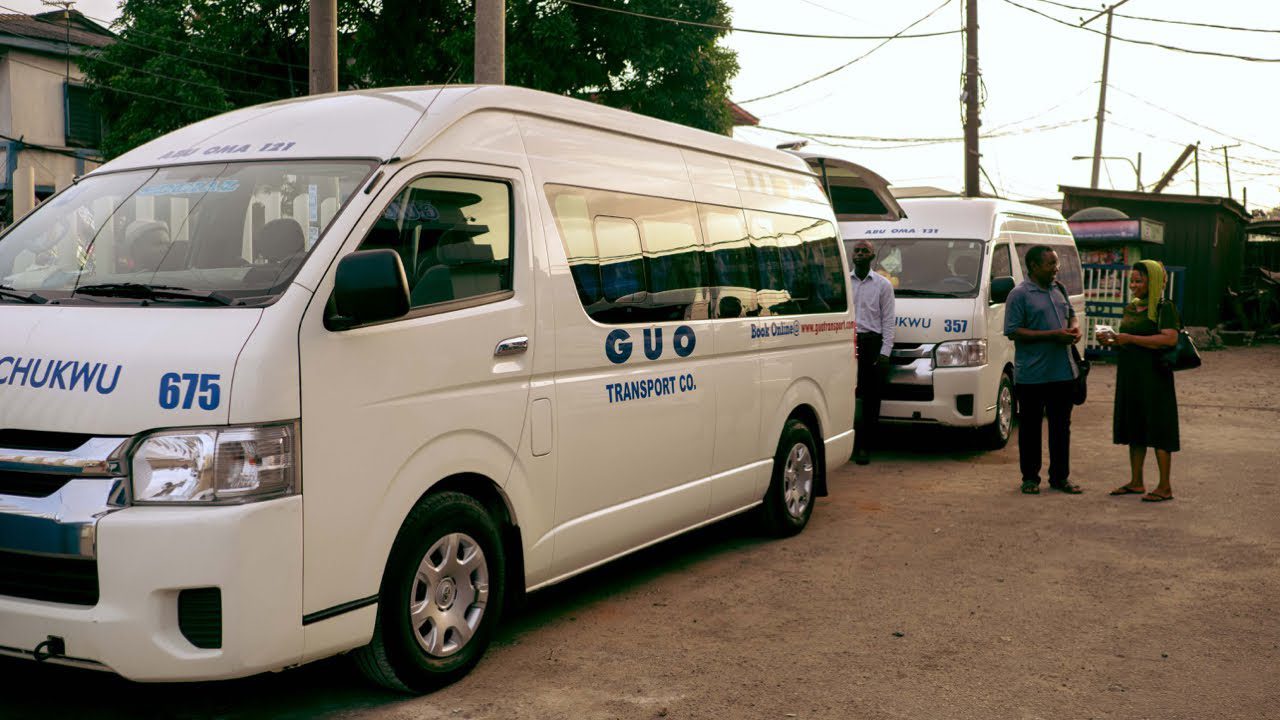
This article explores a step-by-step guide to GUO Booking and GUO Booking Online for passengers looking to travel to any part of the country using GUO Transport. GUO Transport is one of the pioneers of cross-country and interstate transport in Nigeria, with operations dating back to the end of the civil war.
GUO Transport, founded by Chief Godwin Ubaka Okeke, can travel to all the major parts of Nigeria, including Lagos, Abuja, Kano, Port Harcourt, and Maiduguri. There are two main ways to book a GUO ticket.
You can either book it online at your convenience or book it in person at your nearest GUO bus terminal. Both methods are safe and foolproof, but in this article, we discuss how to book a GUO Online.
Step-by-Step Guide to GUO Booking Online
The GUO Transport customer experience allows customers to book tickets online from their phones or laptops. This method goes smoothly for those whose data have already been collected by the transport firm and stored in their database.
The process of booking a fare online is straightforward and doesn’t take more than 10 minutes, but issues like network or technical glitches can delay it. After booking a fare online, the GUO interface gives you a Ticket Slip, which you take to the terminal to print your transport ticket.
Booking a transport fare online can happen in two places.
- The GUO Website ( www.guotransport.com )
- The GUO Mobile App
The simple steps to GUO Booking Online are as follows.
1. Online Booking (Website)
This is the most popular method for securing a seat in advance.
- Step 1: Visit the official portal at www.guotransport.com.
- Step 2: On the homepage, enter your Departure Terminal, Destination, and Travel Date.
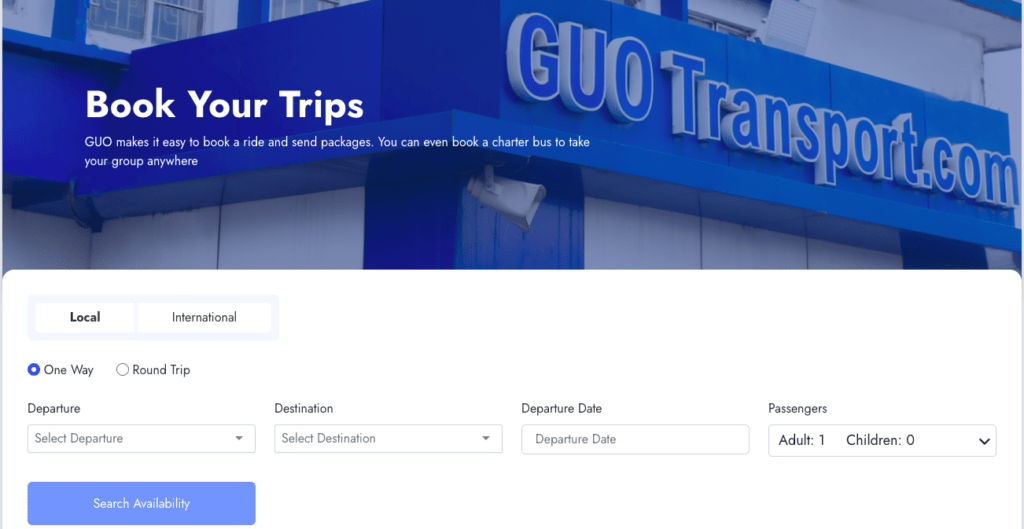
- Step 3: Select “One Way” or “Round Trip” and the number of passengers (Adults/Children).
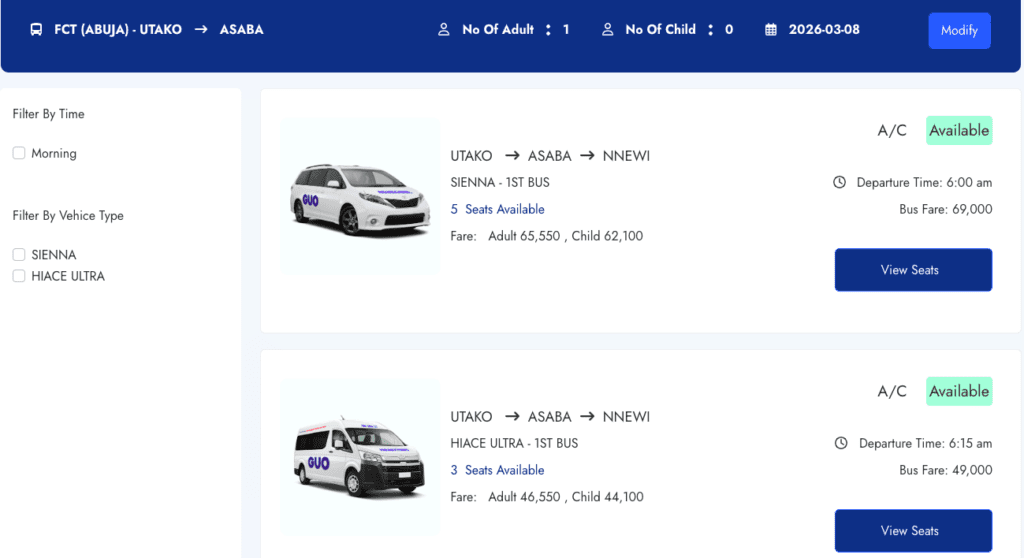
- Step 4: Click “Search” to see available buses. You can choose based on time (Morning/Evening) and bus type (Sprinter, Sienna, or Luxury).
- Step 5: Enter passenger details (Name, Phone Number, and Email).
- Step 6: Proceed to payment. You can pay via ATM Card, Bank Transfer, or USSD processed through Paystack or Flutterwave.
- Step 7: Save your e-ticket sent to your email or SMS. You’ll need to show this at the terminal.
2. Mobile App Booking
The app is great if you travel frequently, as it stores your history and has a virtual wallet.
- Step 1: Download the “GUO Transport” app from the Google Play Store or Apple App Store.
- Step 2: Log in or select “Continue without login”.
- Step 3: Follow the same flow as the website: select route, pick bus, enter details, and pay.
- Step 4: Your ticket will be stored in the “My Bookings” section of the app.
- Step 5: Take your Ticket to the terminal for your main printout.
Physical Terminal Booking
If you prefer paying cash or need to travel last minute:
- Step 1: Arrive at the GUO terminal (e.g., Jibowu, Utako, or Upper Iweka) at least 1 hour before your intended departure.
- Step 2: Approach the ticketing counter and state your destination.
- Step 3: Pay via Cash, POS, or Transfer.
- Step 4: Collect your physical paper ticket
Major GUO Transport Terminals
GUO Transport has major terminals in major Nigerian cities, but the two busiest are its Lagos and Abuja Terminals. They are
- Lagos Terminal – Jibowu Terminal
- Abuja Terminal – Utako Terminal
- Northern Route – Kano and Maiduguri Terminal
- West African Route – ( Jibowu and Utako Terminal )
